See what Shopify costs at every plan, who it's built for, and where Whop (and other alternatives) fit in.
Key takeaways
- Shopify scales from solo sellers to global enterprises, with plans from $29/month (Basic, billed yearly) up to $2,300/month (Plus), plus a $5/month Starter plan for social-only selling.
- The key differences between plans are staff accounts, checkout customization, and API access: not just the storefront tools, which every plan includes.
- Whop, BigCommerce, WooCommerce, Square Online, and Squarespace are all worth considering as alternatives
Shopify processes roughly 10% of all US ecommerce sales and has powered over $1 trillion in merchant sales to date – and is home to brands like Gymshark, Mejuri, and Brooklinen, which all run on Shopify at serious scale.
Whether you're picking your first platform or thinking about a switch, here's what Shopify costs, what you get at each tier, and the best Shopify alternatives.
What is Shopify?
Shopify is a hosted ecommerce platform for building an online store, and it's a strong fit for businesses of almost any size – solo sellers, growing DTC brands, and large multi-market retailers.
Shopify pricing: what you pay at every stage of growth
Shopify has four core plans plus an enterprise tier. The Basic plan is $29 a month, Grow is $79, Advanced is $299, and Plus starts at $2,300 a month on a three-year term.
These fees are relative to yearly billing – monthly billing costs more.
Four core plans
Every plan includes a full online store, unlimited products, and Shopify's checkout. Higher tiers add more staff accounts, stronger reporting, and lower payment processing rates.
| Plan | Billed yearly | Billed monthly | Best for |
|---|---|---|---|
| Basic | $29/mo | $39/mo | Solo entrepreneurs and new stores |
| Grow | $79/mo | $105/mo | Small teams scaling past their first sales |
| Advanced | $299/mo | $399/mo | Multi-market operations needing deeper reporting |
| Plus | $2,300/mo (3-yr term) | — | Complex, high-volume businesses |
Social and agentic selling
There is also a Starter plan which costs just $5 per month. This plan is only for social and link-based selling – there is no full storefront.
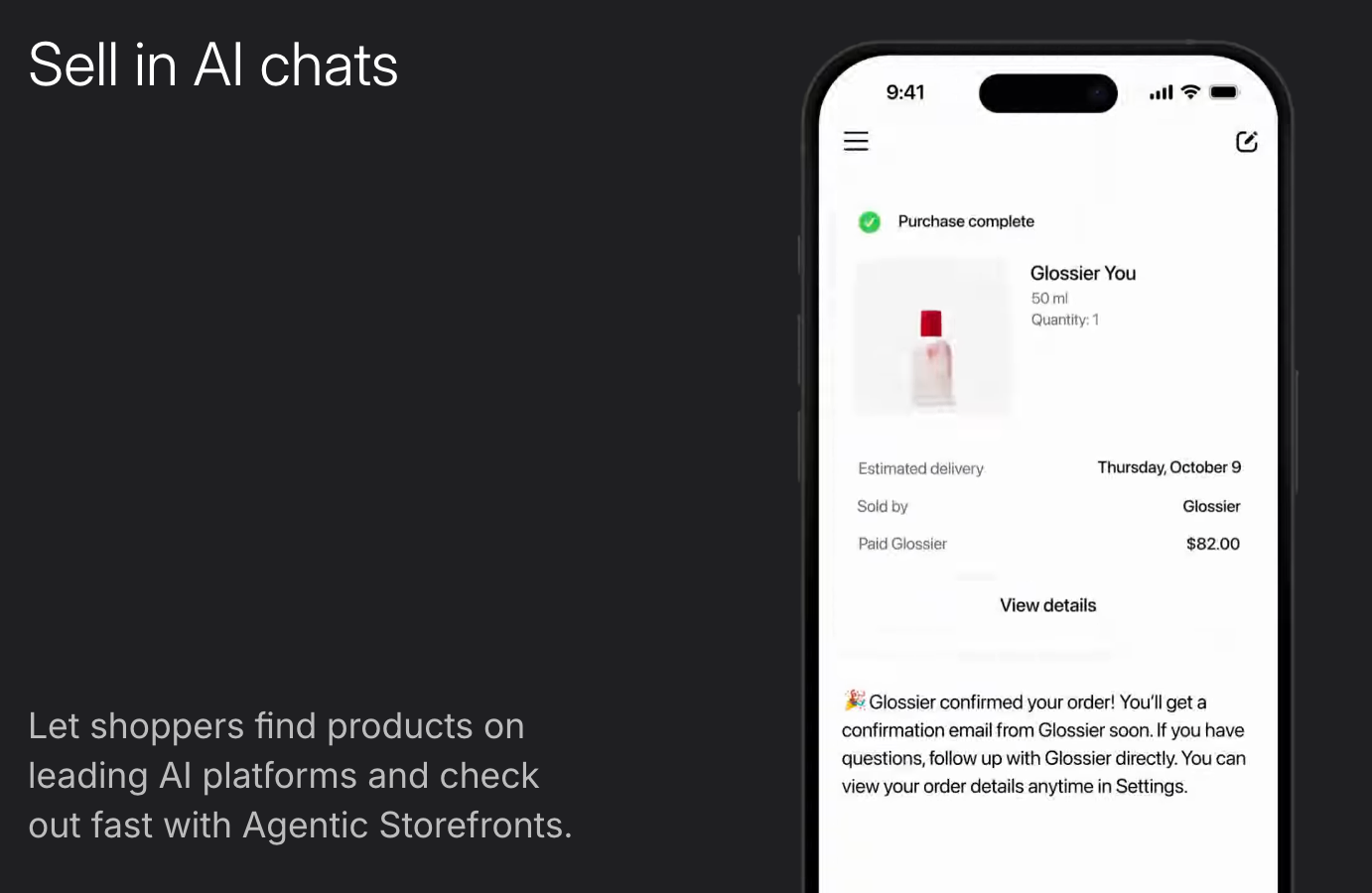
Want more? Shopify also offers a free Agentic plan for selling through AI shopping channels.
You add your products to Shopify's Catalog, choose which AI channels you want to sell in, and Shopify only takes a cut when you make a sale. Card rates start from 2.9% + 30¢ on the online sales that come through those AI channels.
US retail ecommerce hit $340.2 billion in Q2 2026, up 12.2% year-over-year (US Census Bureau).
What do you get with each Shopify plan?
The biggest difference between Shopify plans is not the storefront tools (every plan gets those) but staff accounts, checkout customization, and API access.
| Feature | Basic | Grow | Advanced | Plus |
|---|---|---|---|---|
| Staff accounts | 0 additional | 5 | 15 | Unlimited |
| Inventory locations | 10 | 10 | 10 | 200 |
| B2B catalogs | Up to 3 | Up to 3 | Up to 3 | Unlimited |
| Checkout customization | Limited | Limited | Limited | Full |
| Build custom apps via API | Limited data access | Full data access | Full data access | Full data access |
| API rate limits | Standard | Standard | Up to 2x | Up to 10x |
| Headless storefronts | 1 | 1 | 1 | 25 |
| 3rd-party calculated shipping | Not included | Add-on | Included | Included |
| POS locations (Pro) | $89/mo each | $89/mo each | $89/mo each | 20 included, up to 200 |
| AI credits earned (cashback) | Up to $5,000 | Up to $7,500 | Up to $10,000 | Up to $15,000 |
Checkout customization is what matters most for larger, brand-conscious stores. Every plan below Plus gets a limited checkout, with full customization reserved for Plus.
B2B catalogs cap at 3 on every plan except Plus, and headless storefronts cap at 1 outside Plus too, both worth knowing if you're running wholesale alongside DTC or building a custom frontend.
Transaction fees by plan
Fees drop as you move up tiers, so as you start to process more volume you should consider moving up a tier:
| Plan | Online card rate (Shopify Payments) | Third-party gateway surcharge |
|---|---|---|
| Basic | 2.9% + 30¢ | 2% |
| Grow | 2.7% + 30¢ | 1% |
| Advanced | 2.5% + 30¢ | 0.6% |
| Plus | Most competitive rates (negotiated) | 0.2% |
Free trial and add-ons
If you want to test it out before committing, Shopify offers a three-day free trial. This will not be enough to test the platform completely (and probably not even enough time to build your store).
Which is why Shopify follows this free trial with a $1 a month plan for your first three months.
Who is Shopify for? From first sales to global scale
Shopify serves three very different kinds of sellers, from a single-person side hustle to a multi-country enterprise.
So, how it "works" for you changes a lot depending on which of those buckets you fall into.
Shopify for solopreneurs
For solo sellers, Shopify works as a true all-in-one platform. One dashboard has you covered for storefront, payments, inventory, and marketing.
On the Basic plan you get your full online store, unlimited products, and Shopify's checkout without paying for staff accounts or advanced reporting.

So if you're using Shopify as a solo seller: pick a theme, add products through a guided setup, connect Shopify Payments, and your business can be live in one day.
Your payments are handled through Shopify Payments without needing a separate payment gateway, and, with the built-in point of sale, you can take payments in person too!
Shopify for small businesses
Small businesses benefit most from the Shopify Grow and Advanced plans. Shopify Grow lets you add up to five staff accounts, and Advanced extends that to fifteen. If your business has more than one staff member but less than fifteen, these are the plans you should consider.
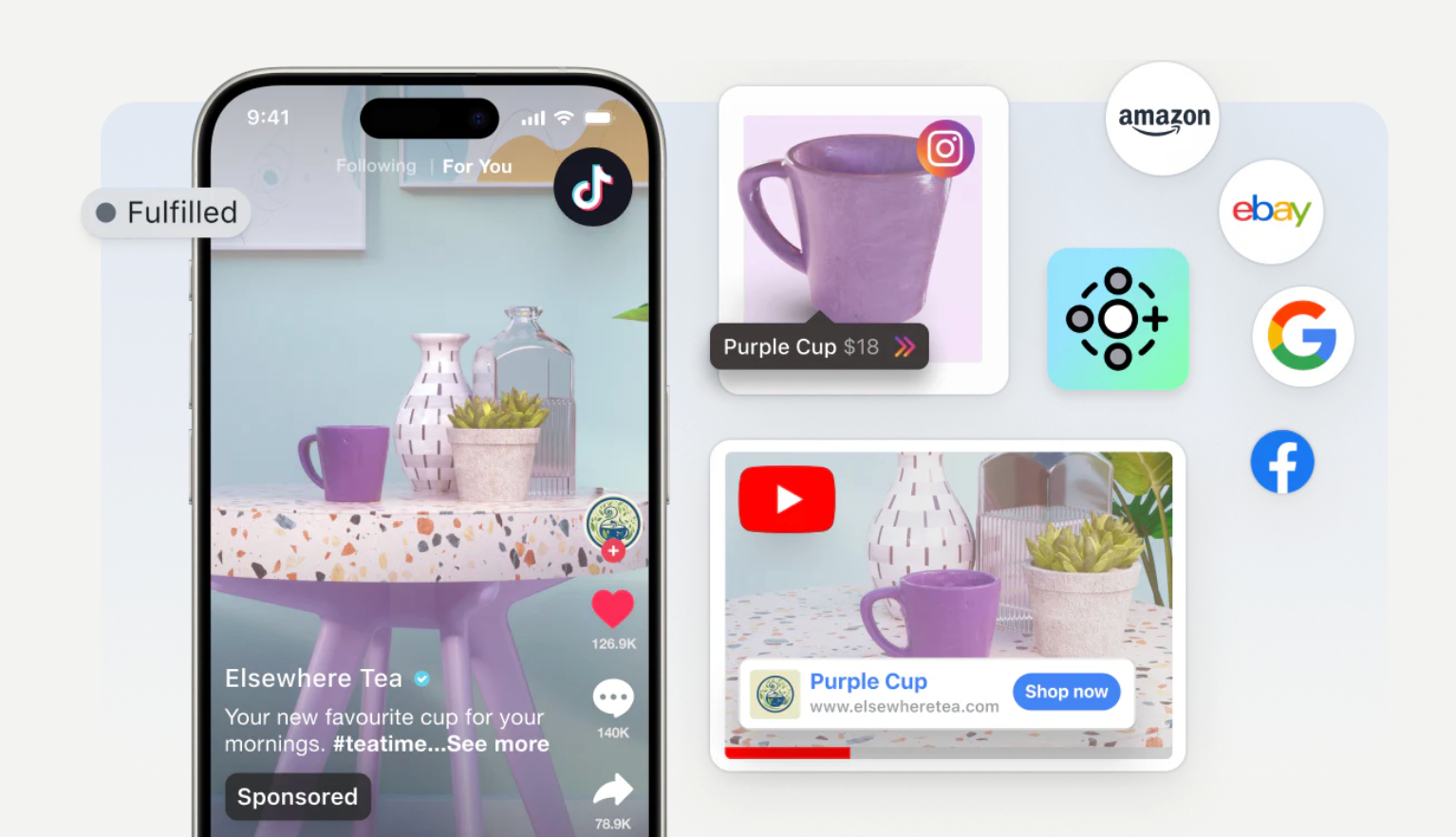
This is also where Shopify's multichannel selling becomes more valuable: the same dashboard manage your online store, social selling, and marketplace listings, so a small team is using one platform for one catalog.
Shopify for enterprises
When it comes to enterprise-level businesses, Shopify works as infrastructure rather than storefront-in-a-box. Shopify Plus is built for this.
With Shopify Plus you get full checkout customization, unlimited staff accounts, up to 200 inventory locations, and an API rate limit up to 10 times higher than standard.
This matters most if you're running heavy custom integrations or syncing data with other systems in real time. Custom checkout flows, deep integrations, and B2B catalogs sold alongside a DTC storefront are what this tier is built for.
When does it make sense to move from Advanced to Plus?
The jump from Advanced to Plus is Shopify's largest pricing jump, and the decision to make that leap usually comes down to one of four things: checkout control, B2B complexity, integration depth, or inventory footprint.
| Constraint on Advanced | What Plus removes |
|---|---|
| Checkout customization limited | Full checkout customization |
| B2B catalogs capped at 3 | Unlimited B2B catalogs |
| 10 inventory locations | Up to 200 inventory locations |
| API rate limit at 2x standard | API rate limit at 10x standard |
| 1 headless storefront | Up to 25 headless storefronts |
| 15 staff accounts | Unlimited staff accounts |
Shopify's key features: the core tools
Shopify's core toolset covers designing, selling, and running an online store, with a website builder, built-in marketing, a large app ecosystem, POS for in-person sales, and AI tools.
Shopify website builder and themes
Shopify is well-known for it's drag-and-drop store builder. You don't need to code anything, with 24 free themes and 1,208 paid themes (ranging from $100-$500).

Every Shopify theme is mobile-responsive by default.
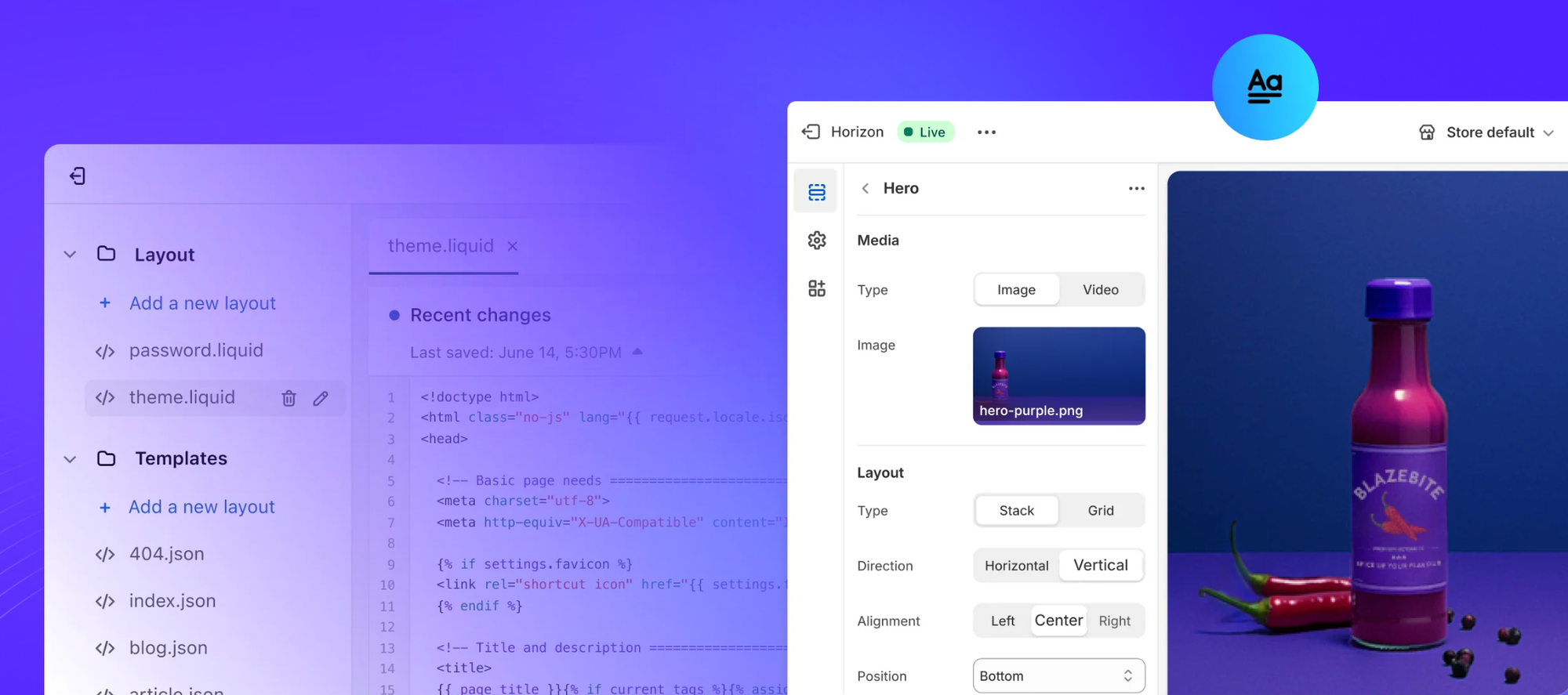
If you need more customization, Shopify gives direct access to CSS, HTML, and Liquid, so you can edit code for parts of your store while still using the visual drag-and-drop editor for everything else.
Marketing and automation, built into every plan
Every Shopify plan includes email campaigns, customer segmentation, discount codes, gift cards, and abandoned checkout recovery.
Shopify Flow, the platform's automation tool, lets you build workflows without writing code: for example, you can automatically tag high-value customers, send a restock alert when inventory drops, or flag fraudulent-seeming orders for manual review.
Running seasonal promotions or campaigns? This automation layer removes the manual, repetitive work involved.
SEO and site performance
Shopify handles the basics of technical SEO automatically – sitemaps, redirect, SSL certificates, and mobile optimization are all built in.
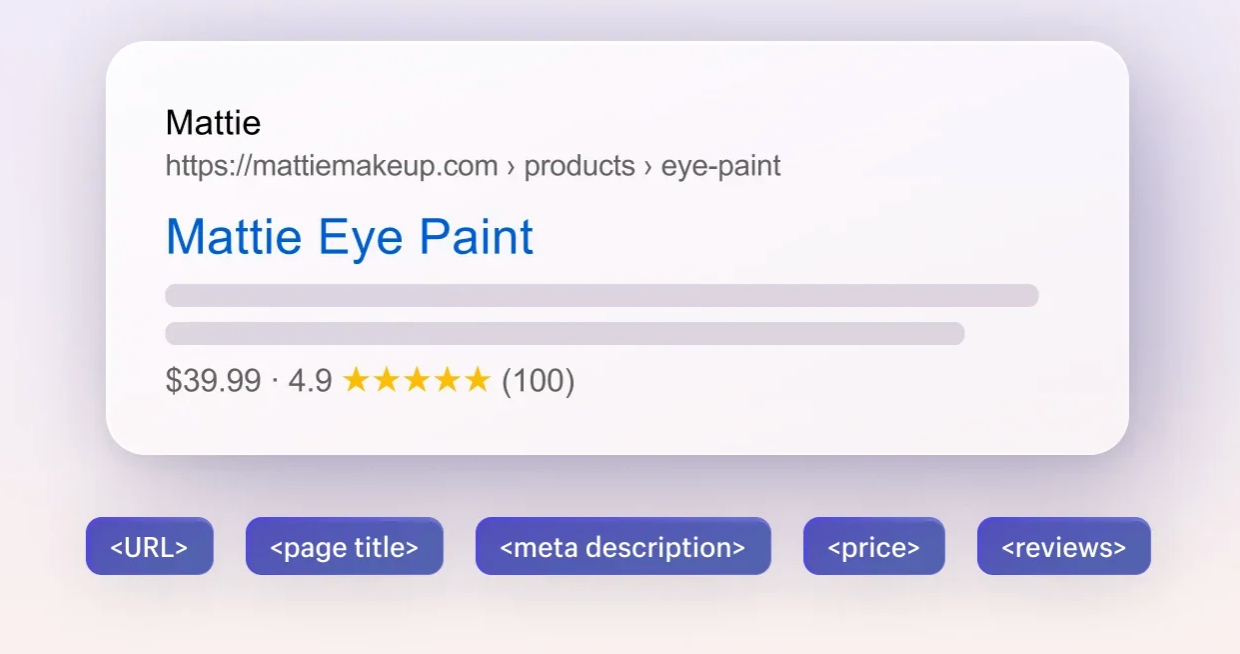
Page titles, meta descriptions, URL handles, and product SEO fields can all be edited directly from the admin.
Hosting is fully managed as part of the platform, with Shopify handling server uptime, security patches, and infrastructure scaling.
Shopify's AI layer: Sidekick and Magic
Shopify's AI features are bundled under Shopify Magic – available on every plan at no extra cost. The main character here is Sidekick, an AI assistant build directly into the dashboard.

Sidekick can answer questions about your store's performance, help set up discounts, and generate content – including product descriptions, email subject lines, and blog posts.
The Shopify App Store
Shopify's App Store has over 13,000 apps, covering everything from SEO and loyalty programs to shipping, accounting, and reporting. If your store needs a specific capability that Shopify doesn't have natively built-in, then there's very likely an app for it.
But there is a downside here. Features that feel like they should be included – like custom fields at checkout and advanced product options – often mean you have to pay for an extra app integration. So if you're adding several apps to get your store to where it needs to be, these costs can add up quickly on top of the plan fee itself.
Omnichannel and marketplace integrations
From one dashboard you can manage your online store, social selling (across Facebook, Instagram, and TikTok) and marketplace listings together,
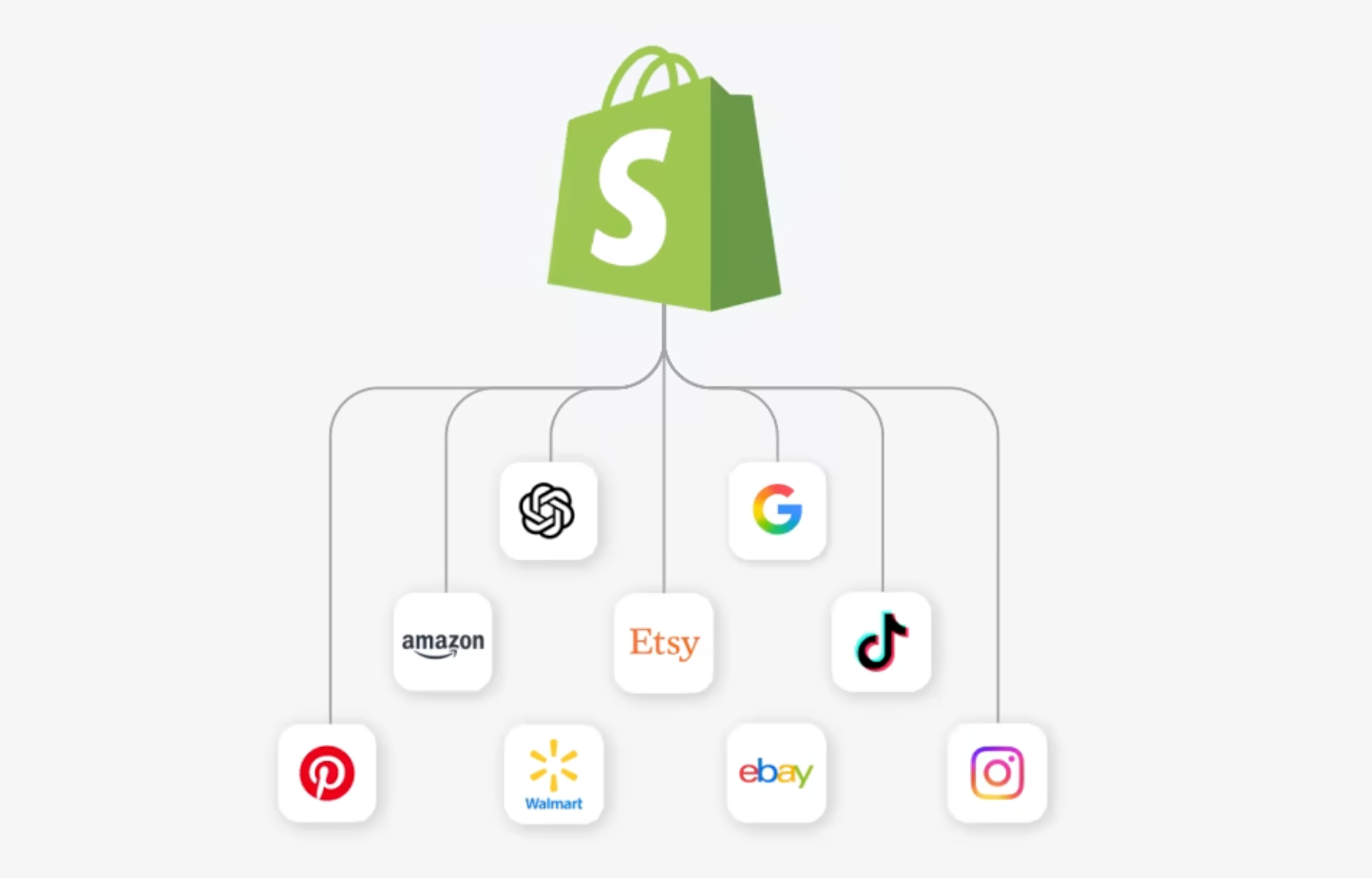
Products sync across these three channels automatically, so you're not repeating the same update across many platforms.
Tracking performance: reports and data
Every Shopify plan includes access to the reporting suite, with over 200 real-time reports (plus custom analytics) built in.
These reports cover sales, customer behavior, marketing performance, and finance.
Reporting depth scales with plan: Advanced and Plus unlock more granular, fully customizable reports.
Selling in person and online (Shopify POS app)
Sell at markets or pop up stores? Shopify's POS app is included on every plan, keeping online and in-person sales synced in real time.
Inventory updates the moment something sells, whether that sale happened online or at a physical counter.
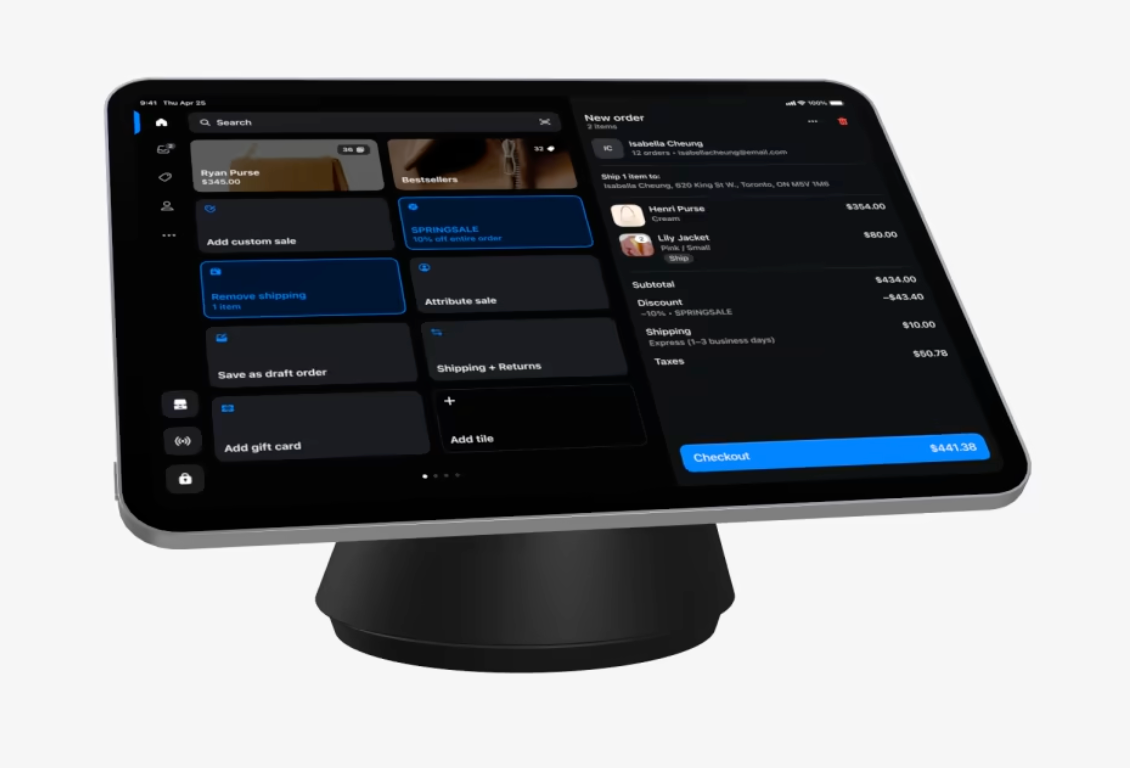
Need more advanced control? Get unlimited staff logins, custom printed receipts, purchase orders and commission tracking with POS Pro ($89/month per location).
Digital wallets now account for 56% of global ecommerce transaction value, and Buy now, pay later is forecast to hit $500 billion in global ecommerce value by 2030. (Worldpay Global Payments Report 2026).
What you can – and can't – sell with Shopify
Shopify supports physical products, digital products, services, subscriptions, and dropshipping. Nearly any legal business model fits – though what's allowed depends on your country and whether you use Shopify Payments.
| Product type | What it covers |
|---|---|
| Physical products | Items that ship to customers — apparel, home goods, electronics, and more |
| Digital products | Downloadable or online-access items — software, ebooks, music, courses |
| Services | Coaching, consulting, bookings, and other services fulfilled online or in person |
| Subscriptions | Recurring billing for products or access, from subscription boxes to memberships |
| Dropshipping / print-on-demand | Selling without holding inventory — orders route directly to a manufacturer or supplier |
Beyond that, Shopify Payments has its own eligibility rules that vary by country, covering categories like age-restricted goods, financial services, and certain regulated products.
Where Shopify wins, and where it falls short
Shopify's biggest strengths are its breadth (app ecosystem, omnichannel selling, and built-in tools) while its biggest drawbacks are cost creep and tier limits.
What are the advantages of Shopify?
- Scales from solo seller to entreprise without switching platforms – the same core system runs a first store and multi-region operation.
- Massive app ecosystem with over 13,000 apps covering almost any feature Shopify doesn't natively build-in.
- Built-in marketing tools on every plan, including email campaigns, discount codes, and abandoned checkout recovery (features some competitors reserve for higher tiers).
- Omnichannel by default – one dashboard runs your entire online store, social selling, marketplaces and POS.
- Deep reporting: over 200 real-time reports on every tier.
What are the disadvantages of Shopify?
- Checkout customization is locked behind plus, and every plan below it gets a limited checkout.
- Staff accounts are few lower down, with Basic including no additional staff logins at all (which can force an upgrade sooner than expected if your team is more than one person).
- Core feature often need paid apps: things like advanced product options or custom checkout fields aren't built-in, so costs add up as your store grows.
- Digital products aren't native so selling downloads or courses means adding an app rather than using build-in support.
- Enterprise pricing is a steep jump from $299/month on Advanced to $2,300/month on Plus (with a three-year term attached!).
5 Shopify alternatives
Whop, BigCommerce, WooCommerce, Square Online, and Squarespace are all strong Shopify alternatives: let's take a look at each.
| Platform | Starting price | Best for | Standout feature |
|---|---|---|---|
| Whop | Free to start; pay per transaction | Stores that want global payments, checkout, and payouts. | 100+ local payment methods, merchant-of-record compliance, and BNPL built in |
| BigCommerce | $29/mo (Core, billed annually) | Stores that don't want revenue-based plan upgrades | No transaction fees with 20+ embedded payment providers |
| WooCommerce | Free (plugin); hosting separate | Full control and ownership over your store | No revenue share, no forced feature tiers — ever |
| Square Online | Free (Square Free plan) | Businesses already selling in person | POS and online sales fully unified, free to start |
| Squarespace | ~$16–19/mo entry tier (Basic, billed annually) | Design-first brands selling digital content | Digital content and membership fees drop to 0% on Advanced |
Whop
Whop doesn't replace your storefront — it powers what happens underneath it: checkout, payments, payouts, and compliance, all built to work with your website or store.
Connect your Shopify store, and orders sync automatically, fulfillment triggered the moment a payment comes through: or embed Whop's checkout directly into your own website.
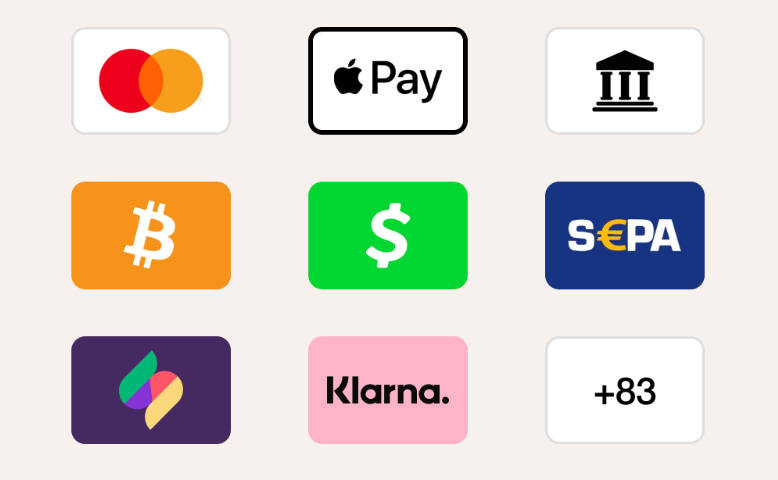
Whop supports embedded checkout, standalone checkout links, and 100+ local payment methods — including buy now, pay later — with authorization rates higher than a typical single-processor setup, since Whop routes each payment to whichever provider is most likely to succeed.
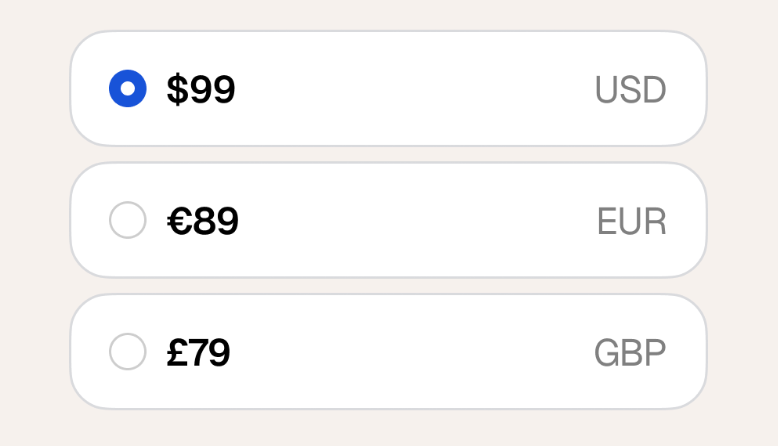
Selling globally? Display prices in your customer's local currency, automatically. Less friction at checkout, more completed international sales.
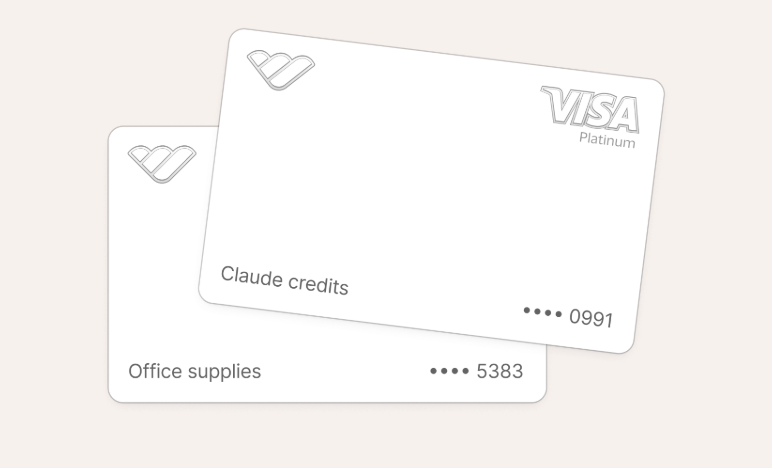
Issue custom-branded virtual and physical cards for your business, with cash back on every purchase. Manage team and business expenses from the same place you manage payments.
And, if you're running a marketplace or platform rather than a single store, Whop's toolkit extends further: send invoices with automated recurring billing and manage payment routing so more transactions succeed the first time.
It's the same underlying system — accept payments, pay people out, stay compliant — built to handle a business with many sellers or creators, not just one storefront.
Bigcommerce
Bigcommerce is the closest like-for-like Shopify alternative, with tiered plans and similar starting price. But, its plans are built around revenue caps (a Core store must upgrade once it crosses $30,000 in 12-month sales) rather than feature-gating.
Woocommerce
Woocommerce is the option for stores that want full ownership, rather than renting a platform. It's a free, open-source plugin built on WordPress, with no revenue share and no features locked behind tiers. You pay for hosting, a domain, and any premium plugins you choose.
The tradeoff? You're responsible for more of the technical setup yourself.
Square Online
Square Online is a good fit for those already selling in person with Square POS. It keeps in-person and online inventory, orders, and payments unified from day one – though its ecommerce features are lighter than Shopify's at higher volumes.
Squarespace
Squarespace leans hardest into store design, and its fee structure is best for stores selling internet products specifically: transaction fees on digital products and membership drops from 7% on the entry tier to 0% on Advanced.
Power your store with Whop
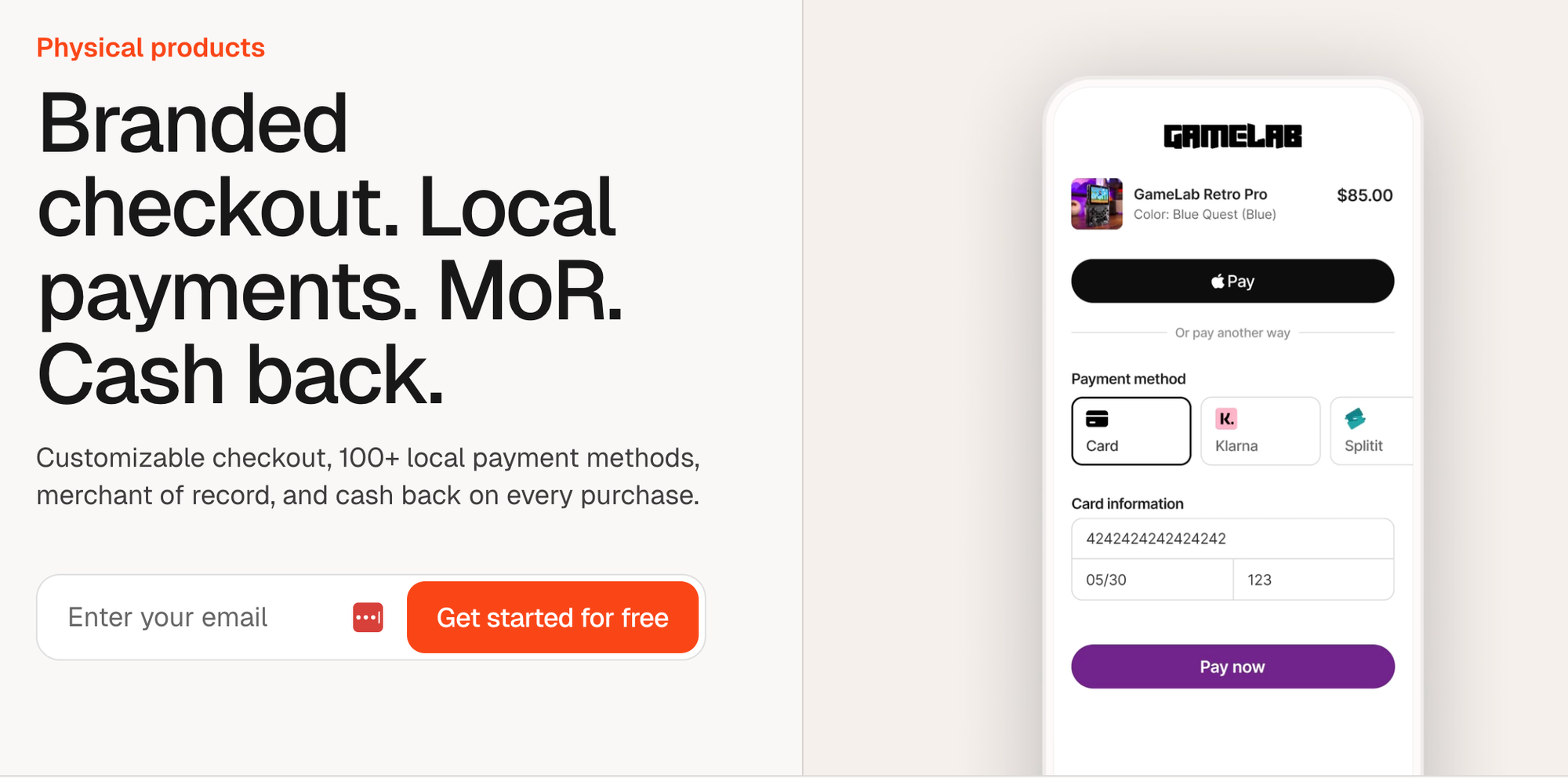
Shopify remains one of the most capable ecommerce platforms available, with options for every business from a single-person operation to a multi-country enterprise.
But for most stores, the storefront is less of an issue – payments are. Shopify Payments is built to process cards for a single storefront. Whop is built to handle payments, local payment methods, and payouts for more complex operations – including marketplaces, paying out multiple sellers, and built-in BNPL.
Run it all from your Whop dashboard, or hand it to the Whop CLI and manage your whole business from the terminal.